
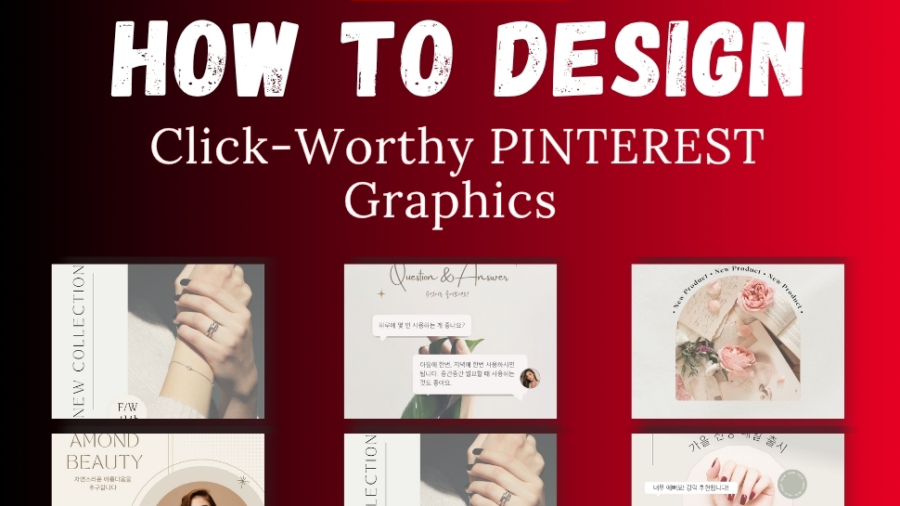
Pinterest is a visual search engine meaning your image is the very first impression. A beautifully designed pin can increase your click through rate by over 40%. But you don’t need expensive software or premium subscriptions to create them.
Here’s a simple, step-by-step guide for creating Pinterest graphics that attract clicks and conversions 👇
Step 1: Choose the Right Dimensions & Layout
Pinterest favors vertical images (2:3 aspect ratio).
Use sizes like 1000 × 1500 pixels to ensure your pin displays perfectly across devices.
Avoid square or horizontal layouts they tend to get less visibility.
Step 2: Use Bright, On-Brand Colors
Color psychology plays a huge role in pin performance.
- Use warm, energetic tones like coral, red, and peach for lifestyle or food niches.
- Use calm, cool tones like teal, lavender, or beige for minimal or wellness brands.
- Always keep your brand palette consistent it builds trust.
🎯 Pro Tip: Create a mini brand kit inside Canva (even free) to reuse your colors and fonts easily.
Step 3: Choose Readable Fonts (No Tiny Text!)
Your pin is meant to stop the scroll. That means your text must be easy to read even on mobile.
- Stick to 1–2 fonts max.
- Use bold headers for your main title.
- Maintain enough contrast between background and text.
Example:
Instead of “10 ways to grow your Pinterest” in cursive font, use “10 Ways to Grow on Pinterest Fast” in a clean, bold sans-serif.
Step 4: Add a Clear Text Overlay
Every great pin has a small story in the text overlay.
It tells users why they should click what’s in it for them.
Examples:
- “Free Template Inside”
- “Step-by-Step Tutorial”
- “Proven Pinterest Hacks”
Keep it short (4–7 words) and value-driven.
Step 5: Use Free Design Tools
You don’t need Canva Pro to design amazing pins.
Try:
- Canva Free – still gives access to thousands of templates.
- Fotor – quick online photo editing.
- Pixlr – background remover & effects.
- Crello (now VistaCreate) – animated pin templates.
💡 Bonus Tip: Use your own product or brand photos whenever possible authenticity beats stock images every time.
➡️ See how we design branded Pinterest Pin for clients
Step 6: A/B Test & Track Results
Design 2–3 versions of the same pin and monitor which one performs best.
Experiment with:
- Different color schemes.
- Alternative headlines.
- Slight text placement changes.
Pinterest’s algorithm loves fresh pins, so small design changes keep your content relevant.
➡️ Explore our Pins to see high-performing pin examples
Conclusion
Designing Pinterest graphics that convert isn’t about expensive tools it’s about strategy, clarity, and consistency.
Focus on delivering value visually and telling a mini story with each pin.
Want professional quality designs that reflect your brand and boost traffic?
➡️ View our Pinterest design portfolio here